From taking orders and coordinating the kitchen to splitting bills and tracking performance, Ramses keeps every part of service connected. One straightforward system, built to work across your devices.
A smoother service,from start to finish.
See how Ramses helps a restaurant team stay in sync through a busy service, from the first table to the final report.
A NIGHT OF SERVICE
17:30Service Starts
The floor plan shows which tables are available and which are occupied, all at a glance.
A Table Is Opened
A server opens a table and its bill is created instantly, without the hassle of paper order slips.
Orders Go to the Kitchen
As soon as an order is placed, it appears on the kitchen display. Front and back of house stay in sync.
Managing the Rush
As service gets busier, the system automatically queues orders so the kitchen can keep track of every request.
The Bill Is Closed
Once the order is served and payment is taken, the table automatically becomes available for the next guests.
End-of-Day Reporting
At closing time, the day’s figures are ready to review. No manual tallying required.

Even the busiest daydeserves an easier close.
Every step of service. One system.
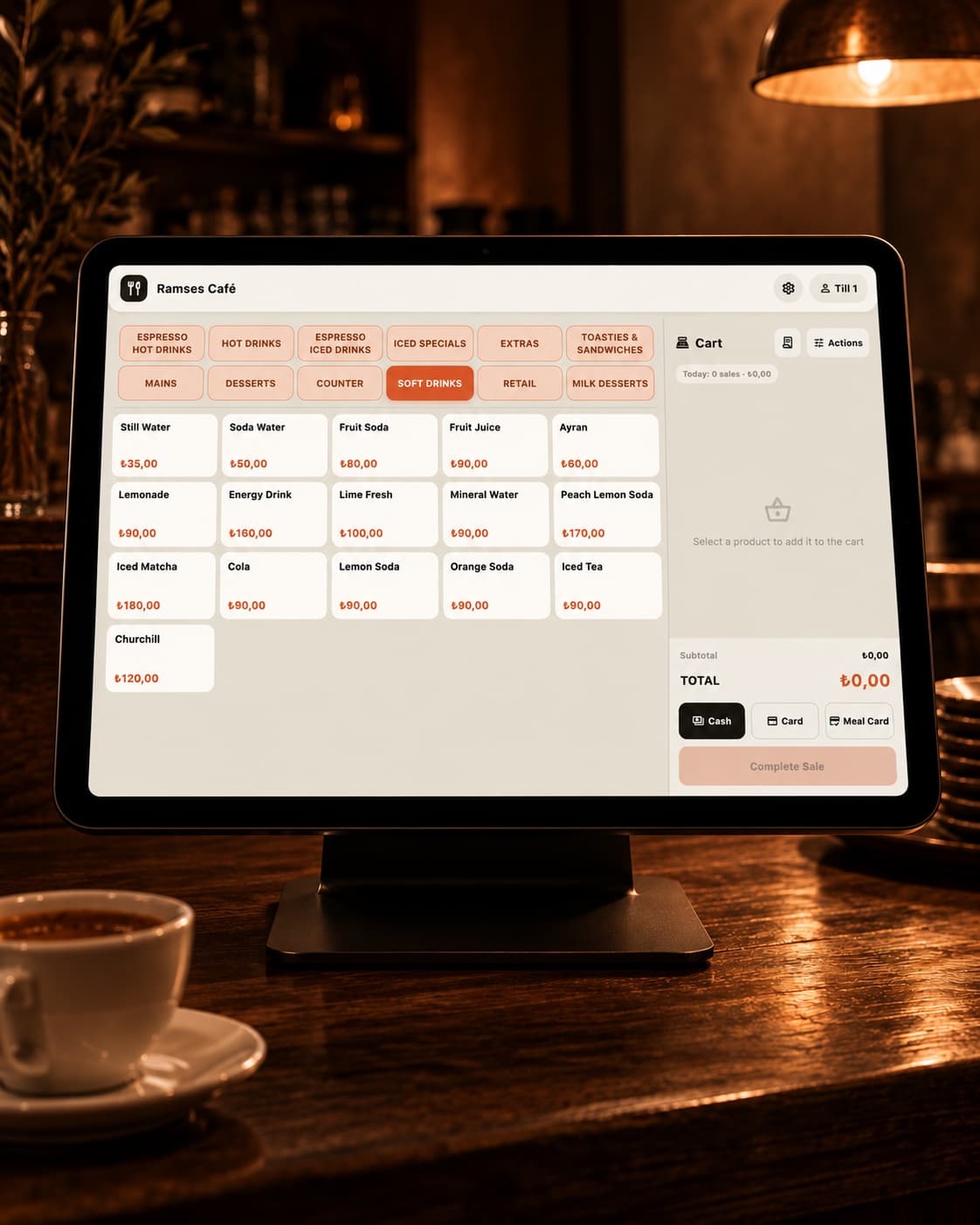
Table Management
See table availability in real time, combine tables and transfer items or guests between them in seconds.
Bill Splitting & Payments
Split bills by guest or item, and accept cash, card, split or partial payments with ease.
Kitchen Display System
Orders appear on the kitchen display as soon as they’re placed. Configure multiple kitchen stations and get instant notifications when orders are ready.
Reporting & Profit Analysis
Track daily revenue, VAT, costs and gross profit with clear, real-time charts.
Multi-Location Management
Manage every location from a single dashboard. The general manager role provides a central view of performance across branches.
Promotions & Discounts
Create percentage-based discounts for selected items or time periods, and have Ramses apply them automatically.
From the first order to the final payment.
A server takes an order at the table using their device. Within seconds, it reaches the relevant kitchen station and appears on the kitchen display. When a dish is ready, the appropriate team member receives an automatic notification.
At checkout, staff can split the bill by guest or item, apply discounts and take partial payments. Ramses automatically calculates VAT and updates inventory and cost figures as sales are recorded.
Managers can monitor revenue, costs and gross profit through real-time charts. For multi-location businesses, data from every branch is accessible in one central dashboard.

From one neighbourhood café to a multi-location group.
Whether you run a small coffee shop or a restaurant group operating across several cities, Ramses is designed to grow with your business.
Pricing is tailored to the size and needs of your operation. We’ll review your setup together and work out a plan that fits your business.
Staff Roles
Six roles: owner, manager, server, cashier, kitchen staff and general manager. Each user can access only the screens and functions assigned to their role.
Locations, Tables & Users
Ramses has no fixed limit on locations, tables or users. Add more as your business grows.
We handle setup from start to finish.
You don’t need technical expertise or an investment in new hardware to get started with Ramses. Our team handles the transition in three steps.
We Assess Your Needs
We start with an on-site visit to understand your floor plan, menu workflow and kitchen operations.
We Set Up Your Existing Devices
We configure Ramses on the hardware you already use, adding your menu, table layout and staff permissions so you’re ready for service.
We Train Your Team
First, we walk your management team through the system. Then we give staff hands-on training using the screens they’ll work with every day.
Frequently Asked Questions
Answers to the questions we hear most often. We believe in being clear about what Ramses can do today, and equally clear about what it cannot do yet.

See Ramses in action at your venue.
Tell us a little about your business and book a short demo. Details such as your number of locations and the devices you use will help us make the conversation more relevant.